
Your Secure Digital Filing Cabinet
The BizUpUSA Document page is a centralized, digital filing cabinet built right into your dashboard. The Document Vault was designed to keep everything in one place – helping when you need documents quickly, such as opening a business bank account, applying for a loan, or renewing a license.
How to Access Documents within the Dashboard
-
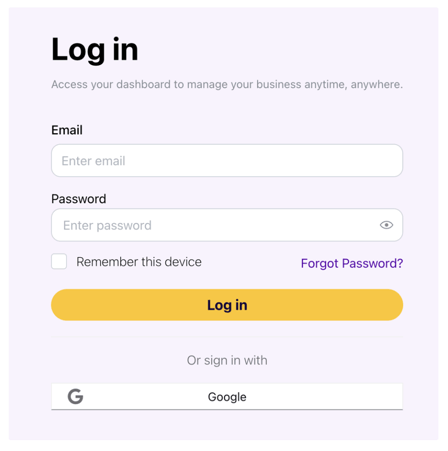
Log into your BizUpUSA account.
-
Navigate to the Documents page using the menu on the left-hand side of your screen.
-
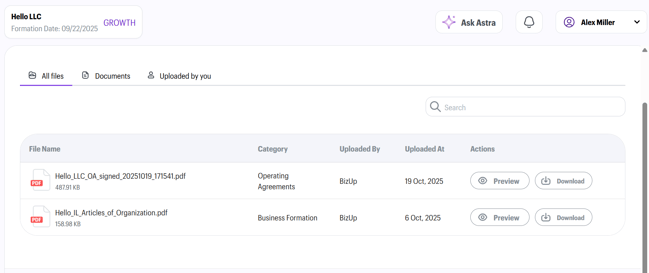
View your important documents in one place. Your business documents are listed on the screen. Use the “Preview” button to view the file in your browser, or click the “Download” button to save a copy to your computer.
-
Opt to upload your own documents. Click “Upload Documents” in the upper right-hand corner from the Documents page to add any additional documents that aren’t part of your BizUpUSA profile.
All files are available for download 24/7 from any device, whether you are on a desktop computer or a mobile phone.